Teach webQsee what your kind of broken looks like.
Every team has its own definition of "this request means trouble". A 500 with a particular stack trace. A console warning that always precedes a crash. A 401 from one service but not from another. webQsee's rules engine lets you encode those patterns once, then every capture, by anyone on the team, is marked accordingly.
All features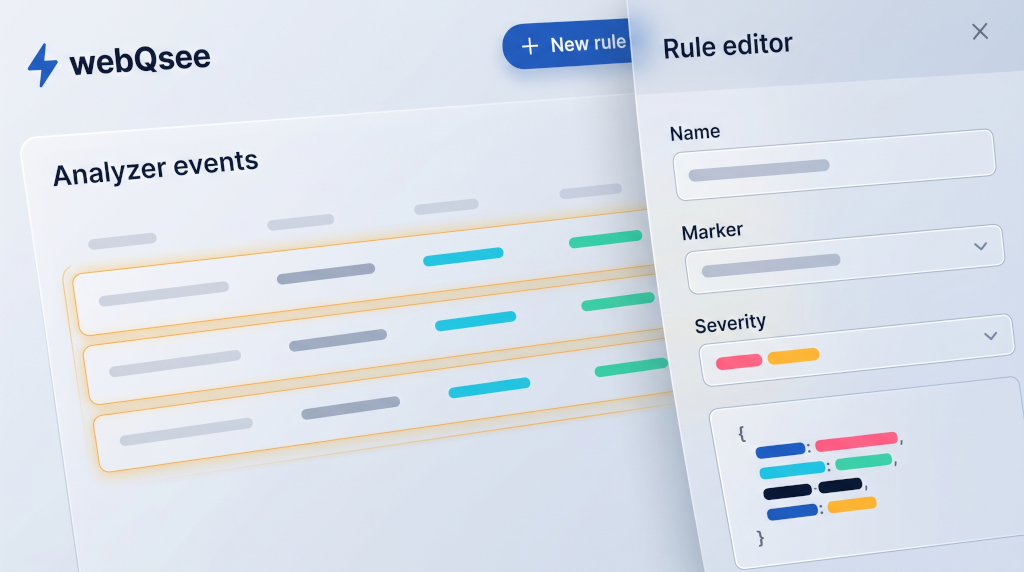
Classify any event, any way.
Each rule is a matcher plus a classification, written against one of the five event kinds webQsee captures: HTTP, console, Server-Sent Events, WebSocket connections and WebSocket messages. Every kind exposes its own set of fields to match on.
Match an event and the rule gives it a status (OK, warning, error or pending), a label, a description and a custom type, and the row is highlighted in the analyzer grid so it is impossible to miss. Only one rule applies per event: if several match, the first one wins, which is what the priority field is for.
- HTTP, response status and status text, response body text, content type, request URL as a whole or split into hostname, path and query string
- Console, message level, raw and formatted text, any stringifiable argument, the originating script URL
- WebSocket, handshake status, incoming and outgoing message text, opcodes, error text
- Server-Sent Events, event name and event data
- Plus the inspected page's own URL, on every event kind
- Compose conditions with AND / OR, or drop into a scripted rule and write JavaScript
"Here's the bug, and here's what it means."
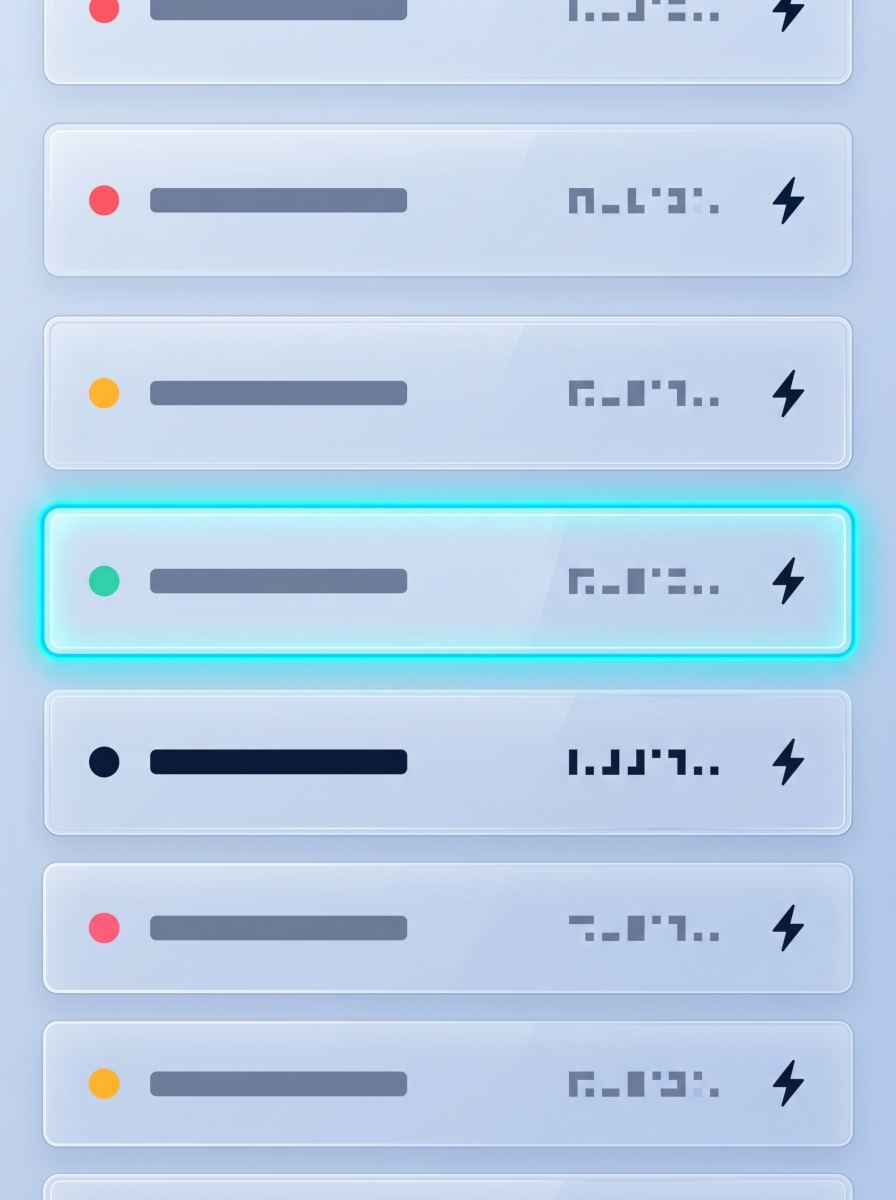
A matched rule does not just tint the row. Its description is free text, so this is where the know-how goes: how to reproduce it, what to do about it, which service owns it, who to escalate to. In the analyzer's Rule column a matched event shows a marker you can click to read all of it, right next to the failure.
The type info is the second half. It fills the analyzer's T-Info column, and an advanced type info can be computed with a small JavaScript function that reads the event itself, so a row can say "checkout-service 503, order 88213" instead of just "error".
This is the senior-engineer leverage point. The know-how that used to live in someone's head, "oh, that error means the cache is stale, restart pod X", becomes a rule that fires automatically for everyone.
A rule carries
- Label, short tag rendered in the grid
- Status, OK / warning / error / pending
- Description, free text: meaning, fix, owner, links
- Type info, static text or computed from the event
- Priority, which rule wins when several match
- Scope, personal or shared with the team
Rules are grouped into Thematic Groups, which keep large rule sets organised and also cut down how much work classification has to do per event.
Senior writes once. Junior gets it instantly.
On Small Team and Team editions, rules can be published to the whole team. A senior engineer codifies the patterns that took five years of incident response to learn, and from that moment, every junior on the team gets the same warnings, the same fix instructions, the same escalation paths.
That's the kind of organisational leverage that's hard to manufacture any other way. webQsee makes it a checkbox.
How team sharing worksTwo editors, one engine: a graphical one for the usual conditions, and a scripted one where a rule is a small sandboxed JavaScript function receiving the event. Reach for the second one when "status 500 and the body mentions this" is not expressive enough.
Rule scope
- User, visible only to you, and checked before team rules
- Team, distributed to every member of the team
- Global, the defaults webQsee ships with, not counted against your quota
- Changes propagate on the next sync, no manual redistribution
Writing rules needs a webQsee account, because they are stored with your account rather than in a single browser, and Content Admin rights in the team you are working in. A free account keeps 3 of its own rules, Professional 10, and the team plans no limit at all. The rules webQsee ships never count against that.
Stop guessing. Start webQseeing.
Add webQsee to Chrome or Edge in one click. Most features are free, forever, no signup needed. Upgrade only if your team needs cloud sharing, S3 storage and Pro-grade tooling.
Works in Chrome 103+, Edge 103+ and most Chromium-based browsers. Install instructions.