Capture. Replay. Ask AI what broke.
webQsee is the developer extension for Chrome and Edge that records network traffic, console output, WebSockets, screenshots and whole session replays, then lets AI find what broke. Every finding points at the event and the moment it rests on. Use webQsee AI, your own model or your own coding agent, which can also write the fix into your project for you to review.
No account needed to record · Local-first storage · Open the captures at view.webqsee.com
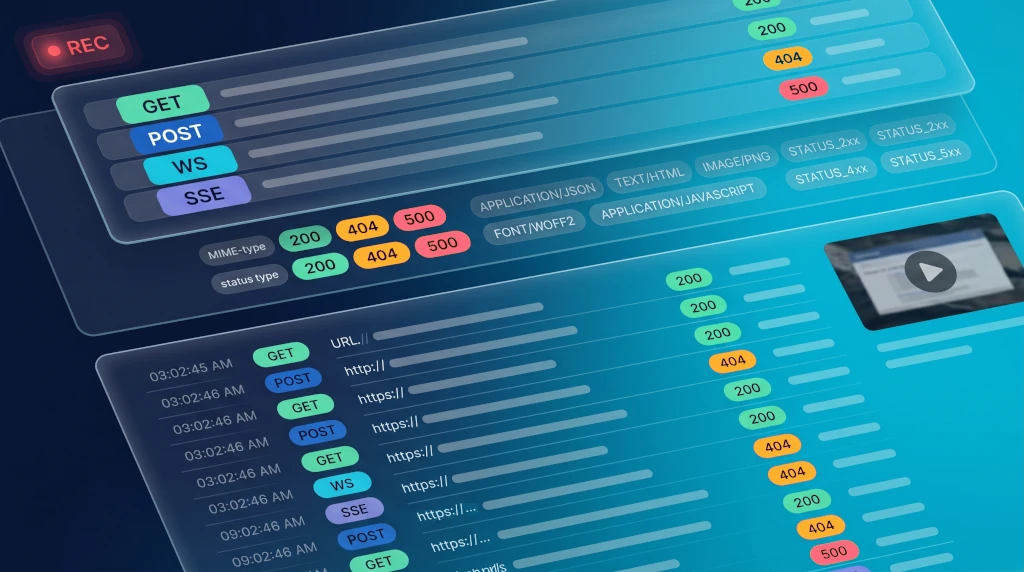
Built for engineers shipping real software
DevTools shows what's happening. webQsee gives you a copy.
Chrome DevTools is great for live inspection, but the moment you reload the tab or close the panel, the evidence is gone. webQsee turns ephemeral browser activity into permanent, shareable artefacts, searchable, filterable, exportable, replayable.
- Selective export. Pick exactly the requests, console messages or WebSocket frames you want to share, instead of handing over the whole trace.
- Session replay. Re-watch the visual flow alongside the underlying traffic. Skip the "can you reproduce?" loop.
- Rule-based error detection. Codify what a 5xx with this stack trace means once, surface it for everyone forever.
- Two cloud modes. Start free on webQsee-provided S3 (7-day trial); upgrade to bring your own bucket on Amazon S3 or min.io with full data residency control.
- Imports too, not just exports. Drop in a
.harfrom DevTools, Charles or Postman, or a colleague's webQsee capture, and analyze it as if you had recorded it.
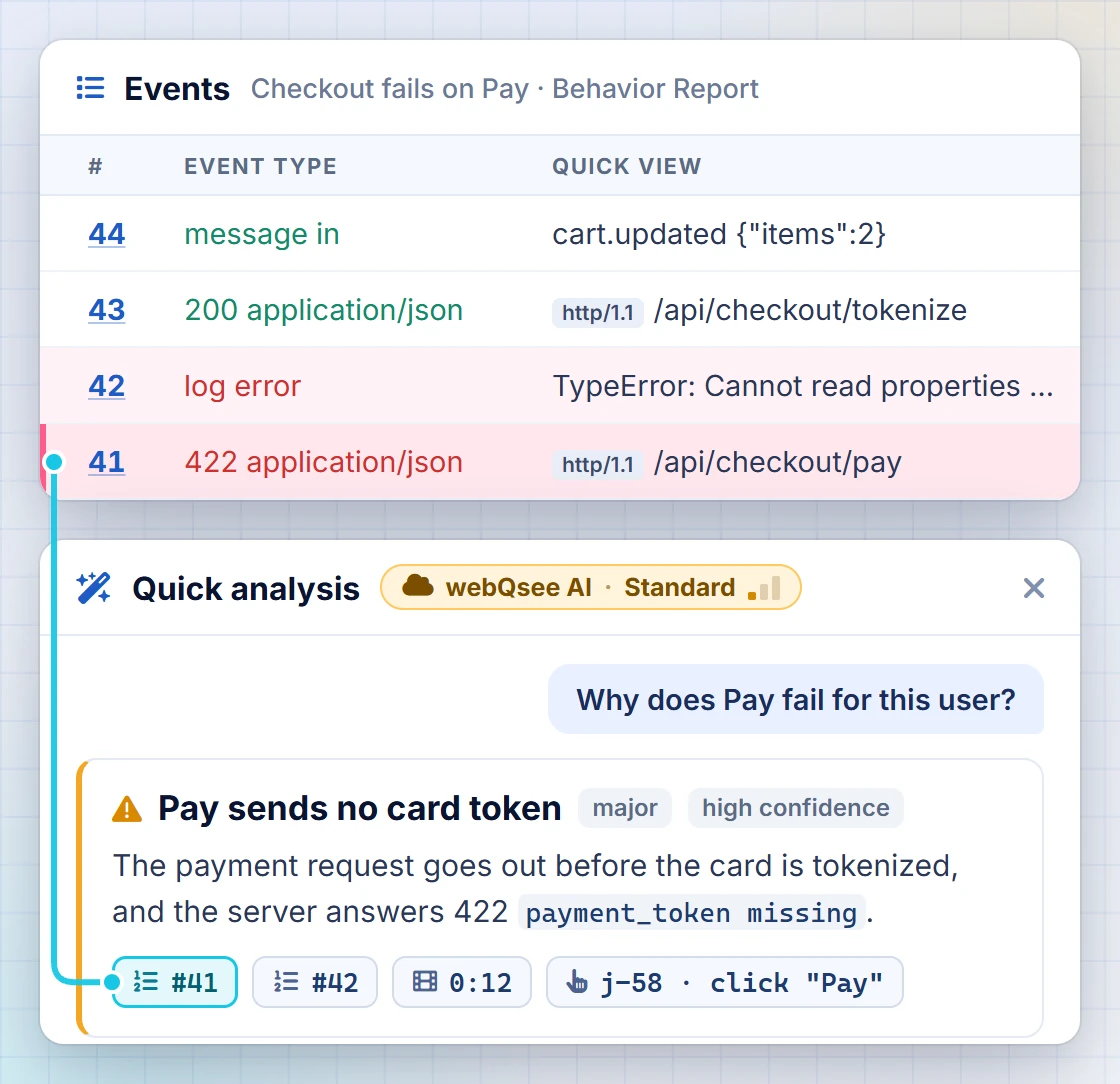
Ask the recording what went wrong.
A recording already holds the video, the traffic, the console output and the state of every event. Point a model at it and ask in your own words. Every finding comes back with evidence chips that jump to the analyzer rows it rests on, so you can check the answer in two seconds instead of trusting it.
- Quick analysis. A budgeted excerpt goes to a model and comes back as an answer, and it includes what you did on the page: clicks, typing, scrolling and the page's reaction. One call, an answer while you are still looking at the recording, and a coverage box that says what was left out.
- Deep Inspection. An agent on your own machine reads the whole recording, searches response bodies, pulls video frames, and with a project mapped it reads the code behind the behaviour. Allow it to change code for a run, and it writes the fix into your project for you to review.
- Nothing to configure, or nothing in the middle. webQsee AI answers without a key or an endpoint. Prefer your own model or agent, and the recording goes straight there instead: point it at a model on your machine and it never leaves the device.
- Ten to start with on the free plan with your own model, and five hosted ones beside them that need no key at all. Both are given once rather than every month. Sixty a month on Pro, plus twenty hosted. No per-analysis fee either way: your plan sets how many.
Capture every signal a tab gives off, without leaving it.
Network, console, WebSocket, Server-Sent-Events, video, screenshots, cookies, environmental data, all in one panel, all selectable, all exportable to HAR, Excel or webQsee's own session-replay format.
AI Analysis
Ask a recording what went wrong and get findings that cite the analyzer rows they rest on. Hosted by us with nothing to configure, or your own model or agent. A free account starts with ten of your own and five of ours, once.
See the AI analysisNetwork & Console Analyzer
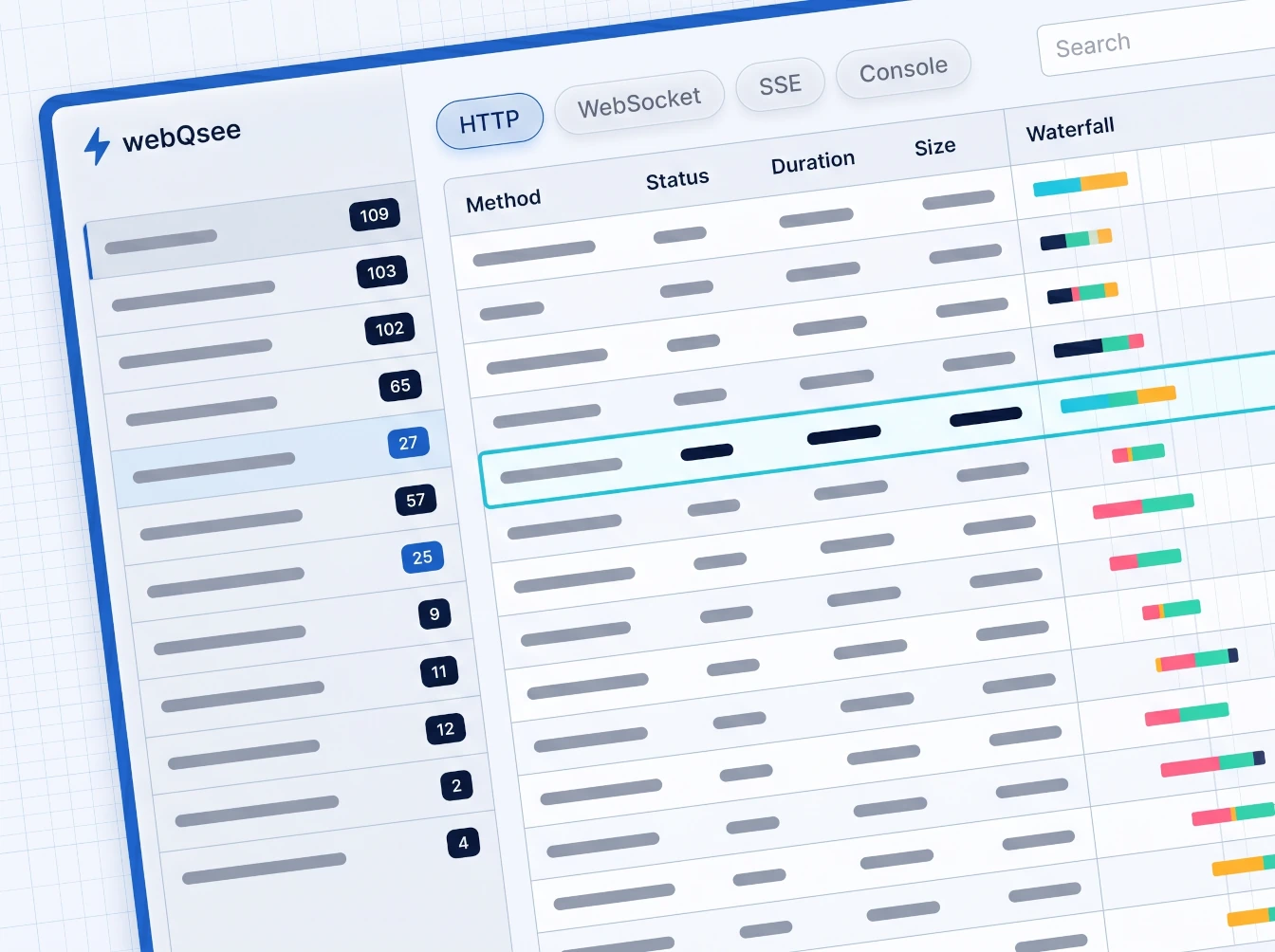
HTTP, WebSocket, Server-Sent-Events and console output, grouped by domain, type and status, with multi-column sorting and per-row filters.
Inside the AnalyzerBehavior Reports / Session Replay
A replayable video of a tab plus all the traffic and console output that happened on it, like a flight recorder for your web app.
See how it worksEvent Snapshots
Our richer alternative to HAR: network + console + screenshot + cookies + environment, in a single shareable .esa file.
Screenshots, Screencasts & Videos
Full-page screenshots that beat sticky headers, plus tab/window/display screencasts with audio, microphone and Dashcam-Mode (keeps the last 30-60s).
Capture optionsScreenshot Editor
Crop, annotate, blur and highlight directly in the extension, no detour through external image apps.
Editor toolsCustomizable Error Detection
Write reusable rules that flag known issues (stack traces, status codes, log patterns) so junior engineers spot what seniors already know.
Rule engineCloud Gallery, two modes
Free 7-day trial on webQsee-provided S3 (you pick the AWS region), or bring your own Amazon S3 / min.io for full data residency control. Captures go straight from the browser to the bucket, recorded data encrypted first on ours; on your own bucket we hold only the metadata.
How storage worksCloud Sharing
Temporary links that need no account on either end, public links that expire when you choose and can be withdrawn, or private links for your team. Recipients view in-browser at view.webqsee.com, no install required.
Sharing channelsExport & Import Anywhere
HAR (all / selected / filtered), Excel, MHTML, cookies, plus our own Behavior Archive (BAR) and Event Snapshot (ESA) formats.
All formatsYour captures. Your storage. Your team's URL.
webQsee's Cloud Gallery runs on storage we provide, in the AWS region you pick, or on your own Amazon S3 bucket (or any S3-compatible target like self-hosted min.io). Either way the browser uploads straight to the bucket; on our storage it always encrypts the recorded data first, videos and screenshots aside. On your own bucket we never see the payload, only the metadata required to render a gallery.
Share a capture and your teammates open it at view.webqsee.com, the web mode of webQsee. They get the full analyzer experience without installing anything.
Read the cloud storage docs Browse setup tutorials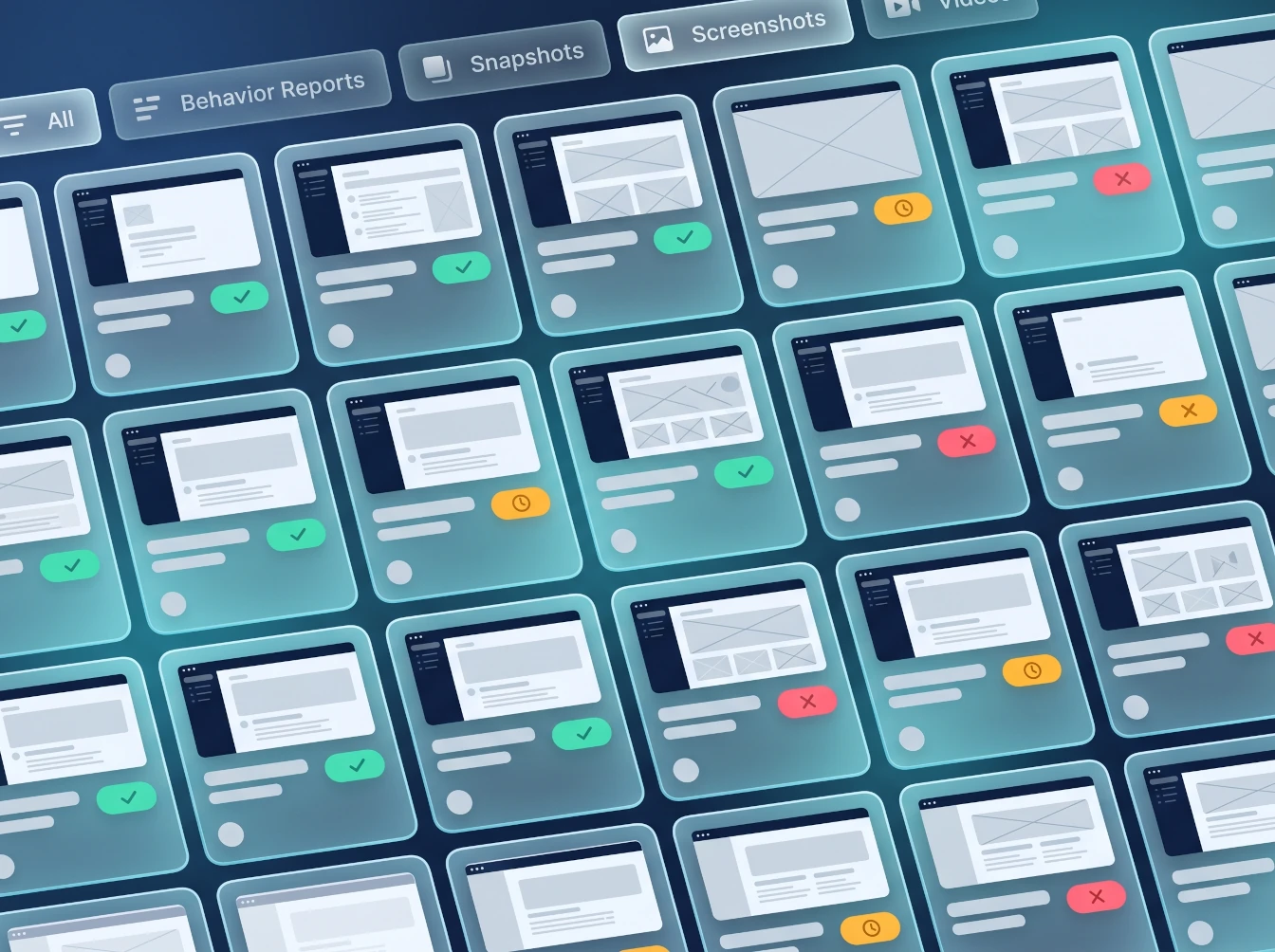
From "this is broken" to "here's the recording".
1 · Install
Add webQsee to Chrome or Edge in one click. No account required for capture.
2 · Click record
Pick Behavior Report, Event Snapshot, Screenshot or Screencast. webQsee handles the rest.
3 · Analyze
Group, sort and filter every event by domain, type and status. Apply your team's error-detection rules.
4 · Share
Copy a link or export to HAR / Excel / ESA / BAR. Recipients open it at view.webqsee.com, no install, no account.
Local-first. EU backend. You pick where captures live.
- Captures live in your browser's IndexedDB until you choose to upload, share or analyze them, and you confirm before anything leaves the device.
- Cloud Gallery is either webQsee-provided storage (you pick the AWS region, the recorded data is encrypted in your browser before upload) or your S3 bucket, which webQsee cannot reach.
- webQsee AI sends an excerpt, masked by default, through our backend to a model inside the EU, and neither keeps it. BYO AI and Deep Inspection never pass through webQsee.
- webQsee's account and metadata backend runs in the European Union, on servers in Germany.
- Encrypted in your browser (9.3): events, bodies, cookies, the user journey and saved AI analyses are encrypted with AES-256 before an upload to webQsee's storage. Videos and screenshots stay viewable.
- Every confirmation you give before data leaves the device is recorded with the exact text you were shown.
Stop guessing. Start webQseeing.
Add webQsee to Chrome or Edge in one click. Recording and replay are free, no signup needed. Upgrade when you need AI analyses, cloud sharing, S3 storage and Pro-grade tooling.
Works in Chrome 103+, Edge 103+ and most Chromium-based browsers. Install instructions.